 October, 2026
 Good documentation is part of the product, not a task to finish before launch.
It helps users understand what to do, helps teams make better decisions, and helps developers build without repeatedly asking the same questions.
With AI coding tools, documentation has another audience: the agents building and changing your software.
Here’s how I think about writing useful product documentation.
- Start with the problem
Don’t start by documenting every feature. Start with the problem the user is trying to solve.
Explain what the product does, who it’s for, and when someone should use it. If a reader cannot understand why a feature exists, more technical detail won’t help.
- Write for the reader, not the author
The person who built a feature already knows how it works. The person reading the documentation doesn’t.
Use plain language. Explain unfamiliar terms. Include examples where an explanation alone isn’t enough.
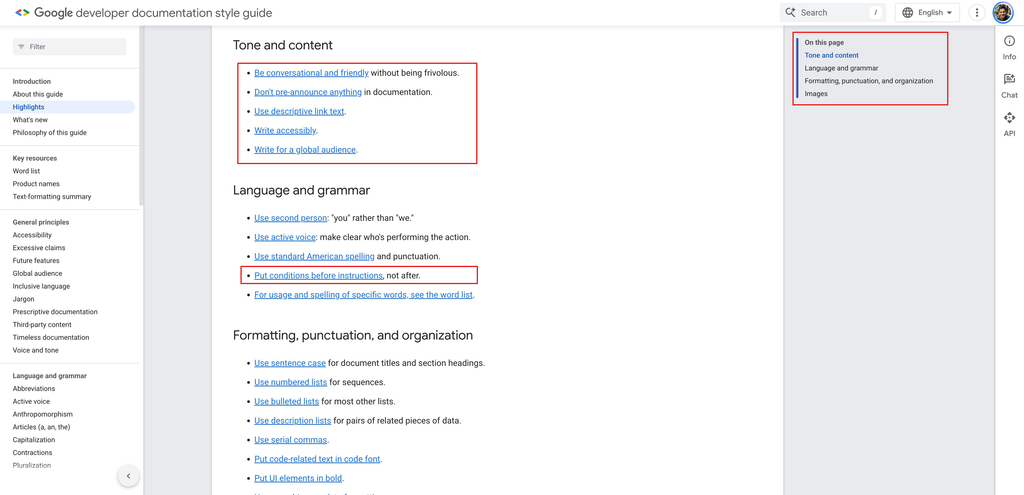
Google’s Developer Documentation Style Guide is a useful reference for writing clear, consistent technical documentation.
- Make the next step obvious
Every page should help the reader move forward.
If it’s a setup guide, show the exact steps. If it’s an API reference, include a working request and an example response. If it’s a troubleshooting guide, explain how to identify and fix the problem.
Don’t make readers guess what to do next.
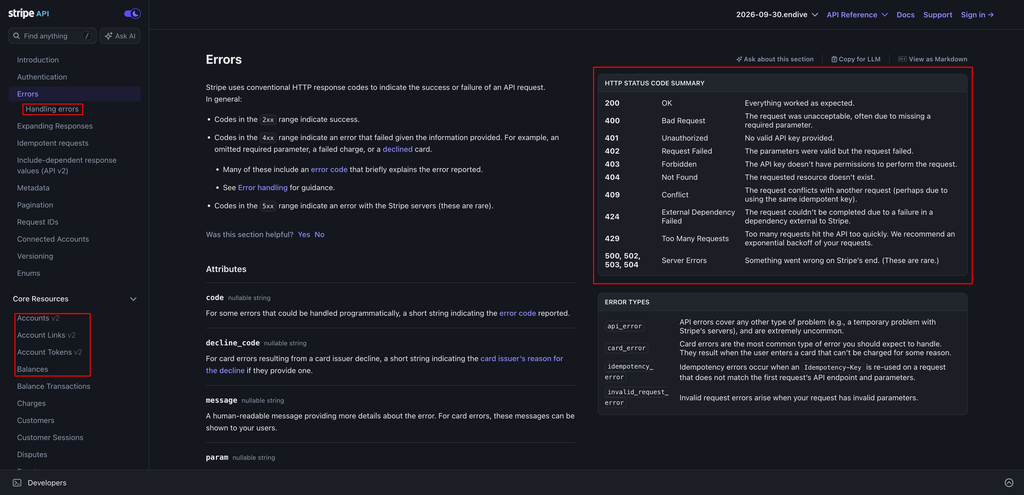
For a practical example, look at Stripe’s API documentation.
It organizes API resources, parameters, and responses around what developers need to implement.
- Show, don’t just explain
A paragraph describing an API is useful. A working request that someone can copy, run, and modify is often more useful.
The same applies to product management. A prioritization framework becomes easier to understand when you include a real example. A user journey becomes clearer when you show the actual flow.
Examples turn abstract explanations into something people can use.
- Document decisions, not just features
Feature documentation explains what a product does. Decision documentation explains why it works that way.
Why did we choose this approach? What alternatives did we consider? Which constraints influenced the decision? What trade-offs did we accept?
These details help future team members understand the reasoning instead of repeating old discussions.
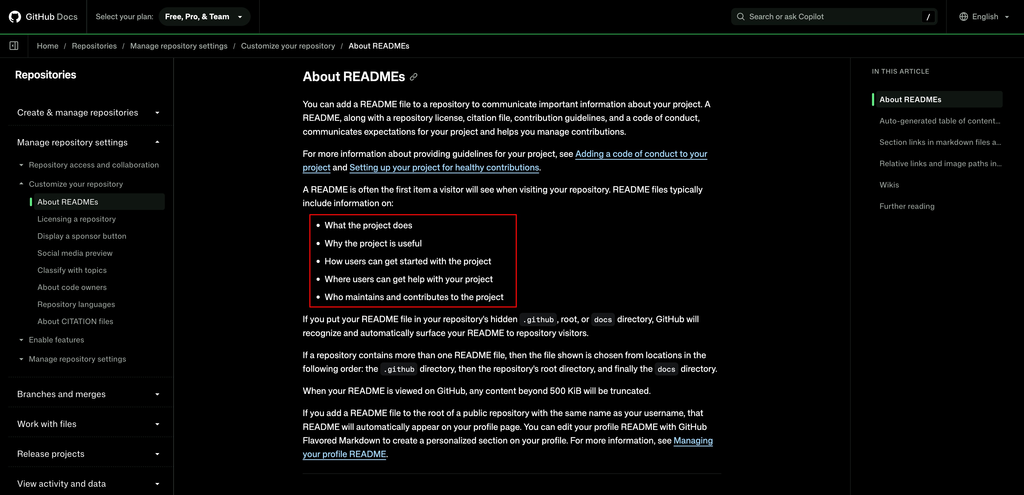
For a useful reference, see GitHub’s documentation on writing a good README. A README gives people an entry point into a project and helps them understand where to start.
- Treat documentation as part of the release
When a feature changes, its documentation should change too.
An outdated guide can be worse than no guide because it gives people confidence in the wrong information.
Include documentation in your definition of done. Review it alongside code, test the examples, and check links when changes are merged.
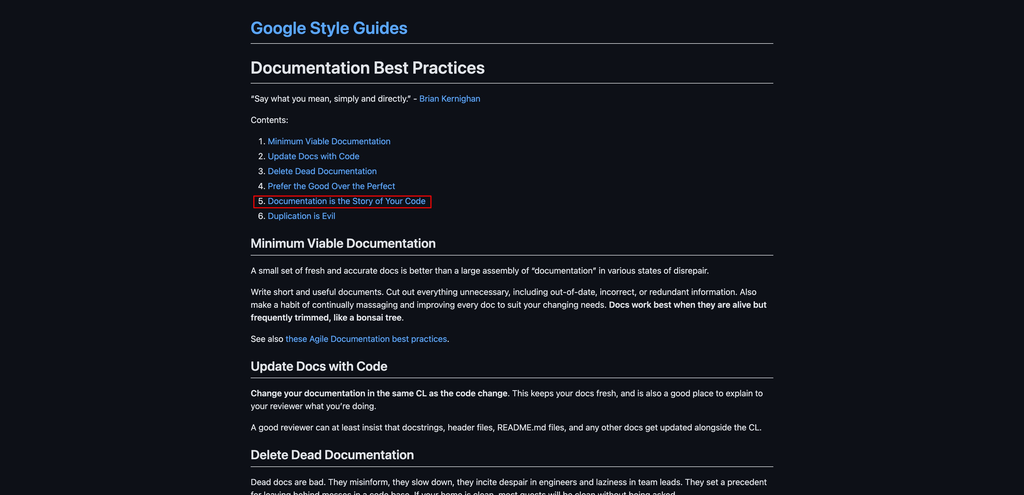
Google’s Documentation Best Practices recommends updating documentation alongside code changes and removing outdated material.
- Write for AI tools, too
AI coding assistants can only work with the context they can access.
If your documentation explains the architecture, important constraints, API contracts, and common workflows, an AI coding tool has better material to work from.
Keep instructions close to the code when appropriate. For example, AGENTS.md provides a convention for sharing project-specific instructions with coding agents.
But remember: documentation is context, not a guarantee. AI-generated changes still need review and tests.
- Make documentation easy to find
Useful information has little value if nobody can find it.
Organize pages around the tasks people need to complete. Use descriptive titles, searchable text, stable links, and clear navigation.
For AI-assisted workflows, consider whether documentation can also be accessed as Markdown and retrieved by the tools your team uses.
- Keep it close to the work
Documentation becomes stale when it lives far away from the product development process.
Keep technical documentation near the code where practical. Keep product decisions in a shared place the team can access. Link related documents instead of duplicating the same information across multiple pages.
Make updating documentation part of the workflow, not a reminder someone has to remember later.
- Measure whether it helps
Documentation is not successful just because it exists.
Look at whether users complete setup, whether support questions repeat, whether developers can make changes without unnecessary back-and-forth, and whether AI coding tools can use the documentation to produce correct results.
Ask readers where they got stuck. Fix the confusing parts first.
The best documentation is not necessarily the longest. It’s the documentation that helps someone get the job done.
My Takeaway: Documentation is an interface between a product and the people, teams and tools that use it. Treat it with same care you give the product itself.